Check Your Profile
This article is targeted at employees that were onboarded to decídalo by their organization. Depending on your organizations roll-out approach, your profile may be pre-filled or you have to initially populate it.
Check your employee data
If you have been onboarded to decídalo as a new user, the first step is to check and update your profile. Your profile can be accessed under the "My Profile" menu item.
The header section of the profile shows employee master data (name, e-mail, etc.). This is typically centrally maintained by your organization and imported from an HR system. Fields that are centrally managed by your organization are marked with a lock icon, indicating that they cannot be modified.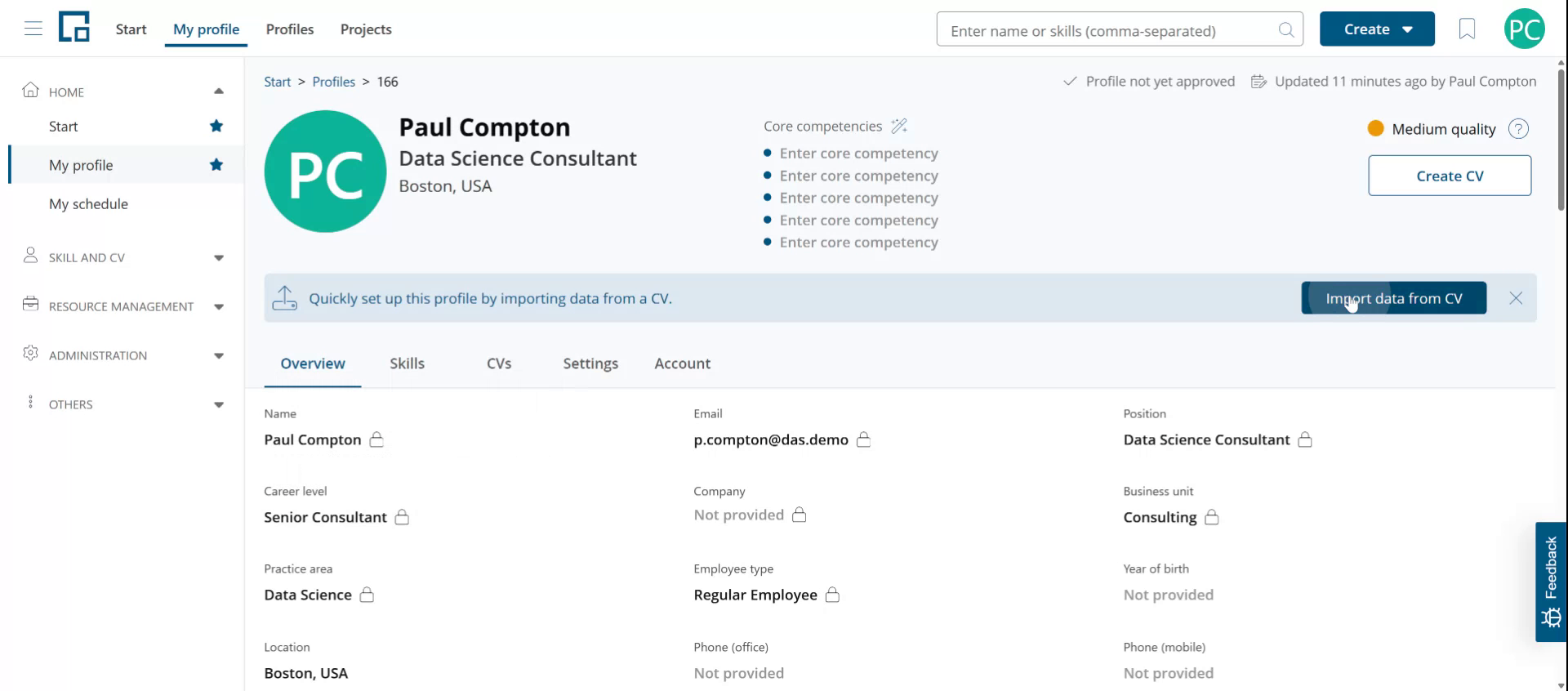
Check your profile
Some companies pre-fill employee profiles as part of the rollout project. This is the case when migrating from a previous system. Scroll down on your profile to check if other parts are filled out. If so, review the data and complete or adjust it as needed.
If your profile is initially empty, the fastest way to populate it is to import data from an existing CV.
Upload your CV
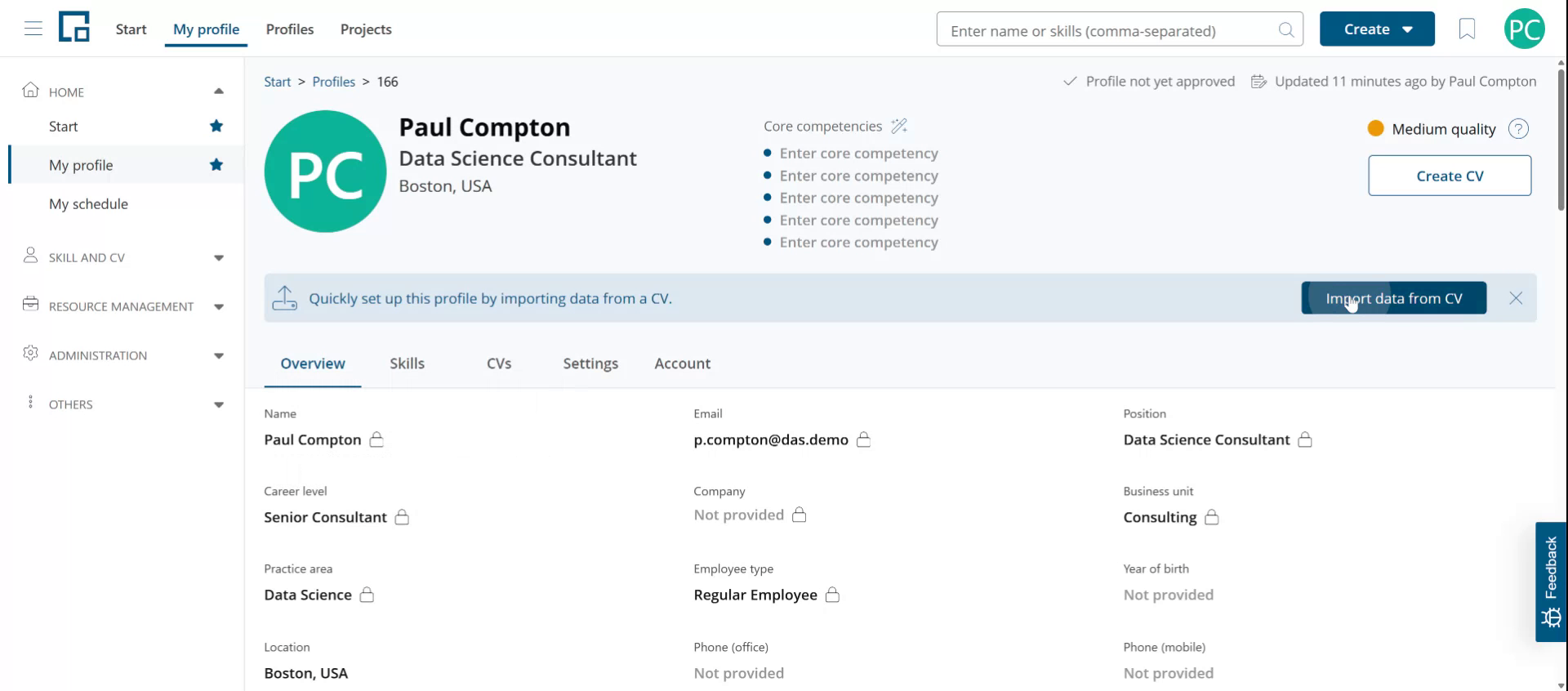
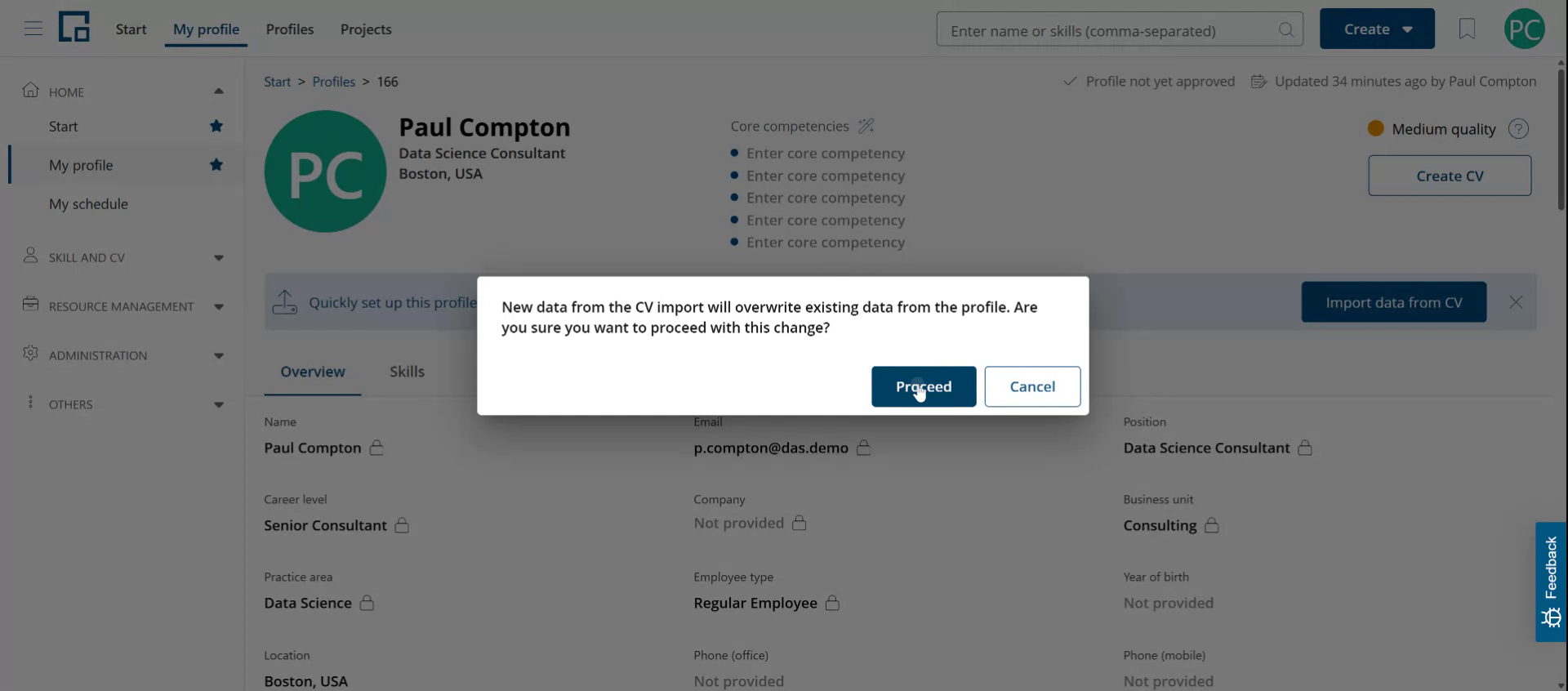
To upload your existing CV, click on "Import Data From CV" in the header banner of your profile. Be aware that importing data will overwrite existing information. However, this will not affect data maintained centrally and marked with the lock icon.
Proceed by uploading your CV. For further assistance, see the CV Parser article.
For a full reference of every profile section and how to maintain it over time, see the Profile article.