Reference Presentation Generation
Editing and Uploading a Template
A reference presentation template in decídalo is a Microsoft Word file or Microsoft PowerPoint file. You can adjust an existing template by downloading it and opening the corresponding application. When you have customized the template according to your requirements, it can be uploaded again as a new custom template.
For more complex requests check out the guide below or reach out to the Support.
How to Import Your Own Reference Presentation Template
decídalo offers the possibility to upload and use your own reference presentation template. But this requires little preparation as you need to tell decídalo where to insert the data into the templates. This requires you to tell decídalo where in the template the data have to be inserted. In the following, we will provide an introduction to the mechanism to prepare your templates for decídalo.
How to Adjust/Create the Template
Depending on the template you want to adjust/create, we will give further details for Word or PowerPoint.
Uploading The Template
It is advisable to convert the template in small iterations by only adding a subset of merge fields at the time. This way you will have an easier time finding errors during the process as the uploader can only give limited feedback on what might break in the uploaded document.
To upload the template document, go to decídalo and navigate to the reference presentation page, e.g. by generating a reference presentation from any project reference. On the right side of the reference presentation page, inside the SELECT TEMPLATE section, choose the language of the template (the project will be automatically translated to this language when creating a new reference presentation with that template). Scroll down to the very bottom and either drop your template file or select it in a file browser by pressing the upload button.
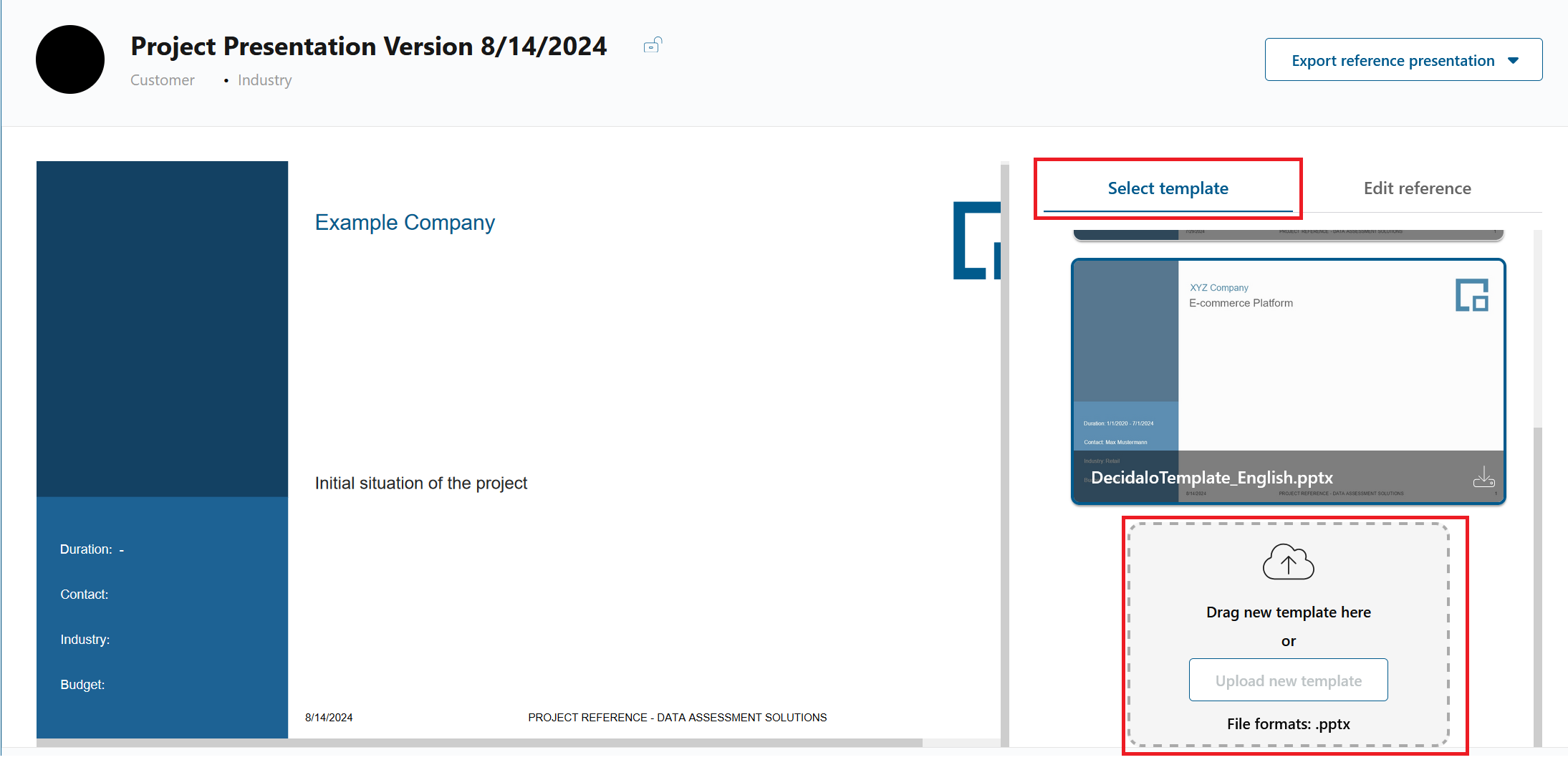
After choosing a display name for the application, the template will appear in the list of templates. It will show a valid preview if the uploaded document includes no errors. You can now edit the content in the edit section.
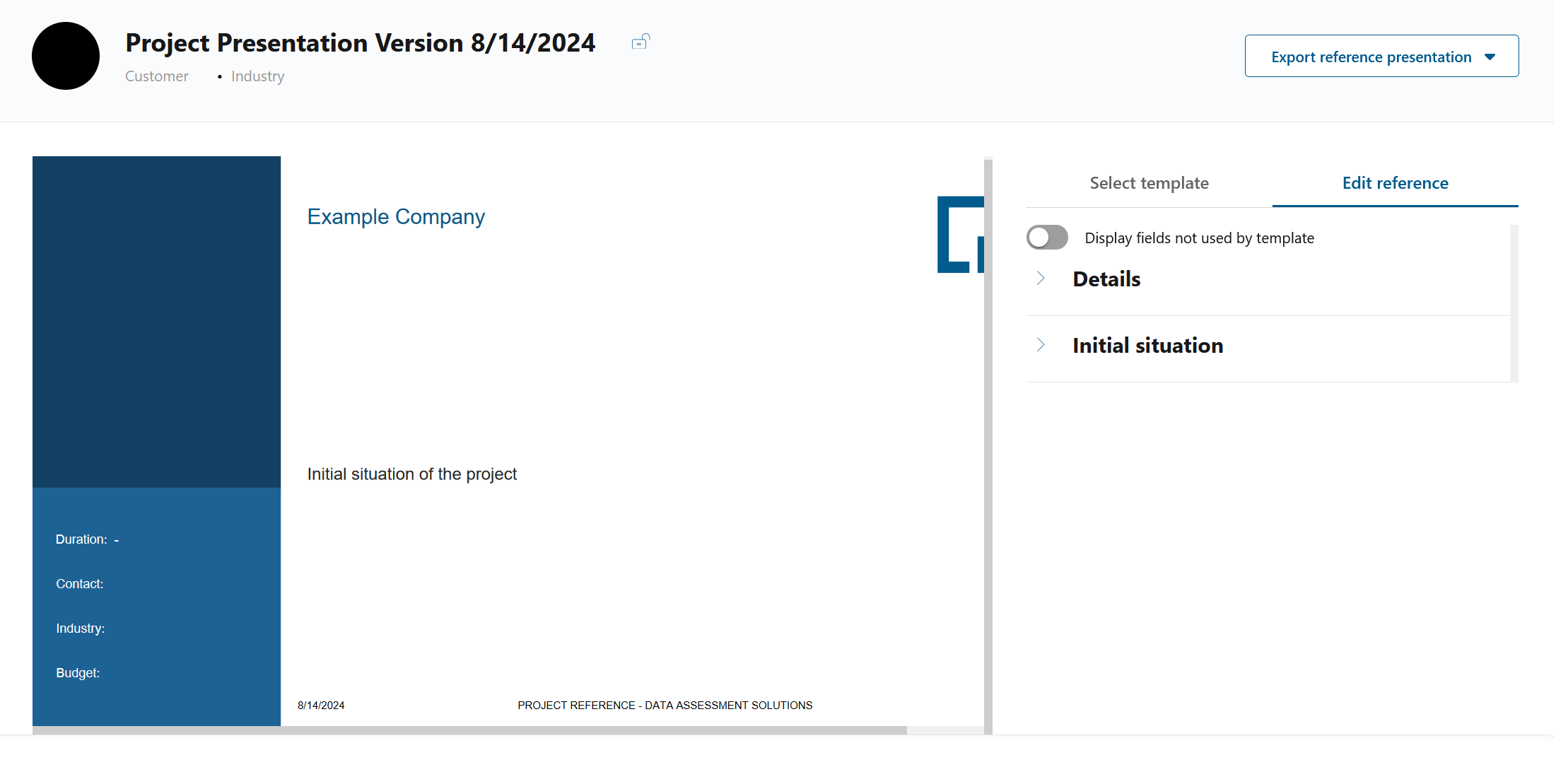
Since you might not include all possible fields, it is good to know that the fields that are not used by the selected template are either displayed in gray.
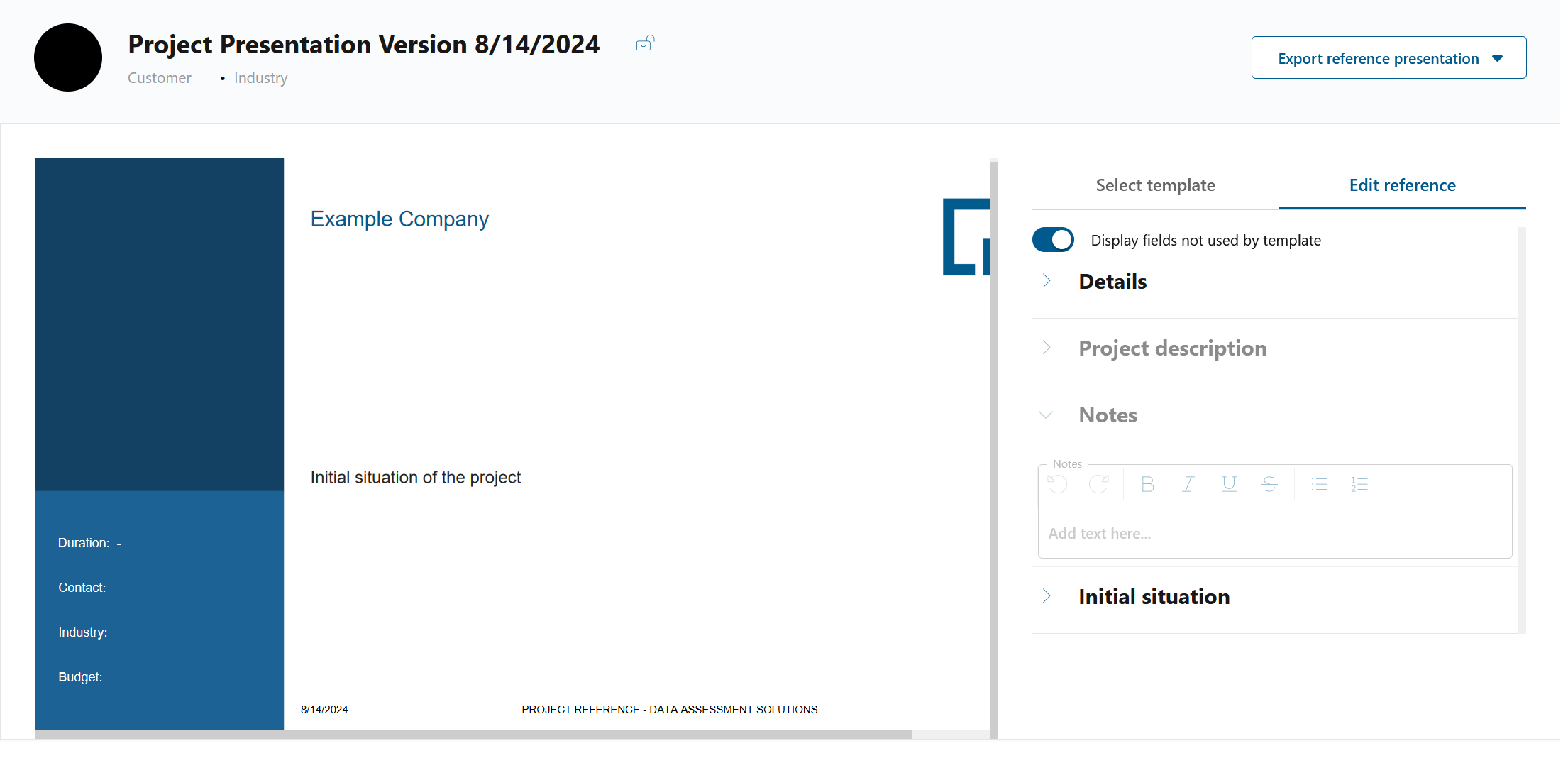
or hidden. You can choose from the two possibilities via a switch.