Billable Work
Note: Billing is currently a beta feature and is being rolled out with pilot customers. If you would like to take part, please get in touch with us.
Billable work answers one question: what could we bill right now? It gathers the recorded time that is ready to be billed for a chosen period, groups it by order, and is the place you start a servicesheet from.
Open it under Finance → Billable work. It requires the Manage billing permission.
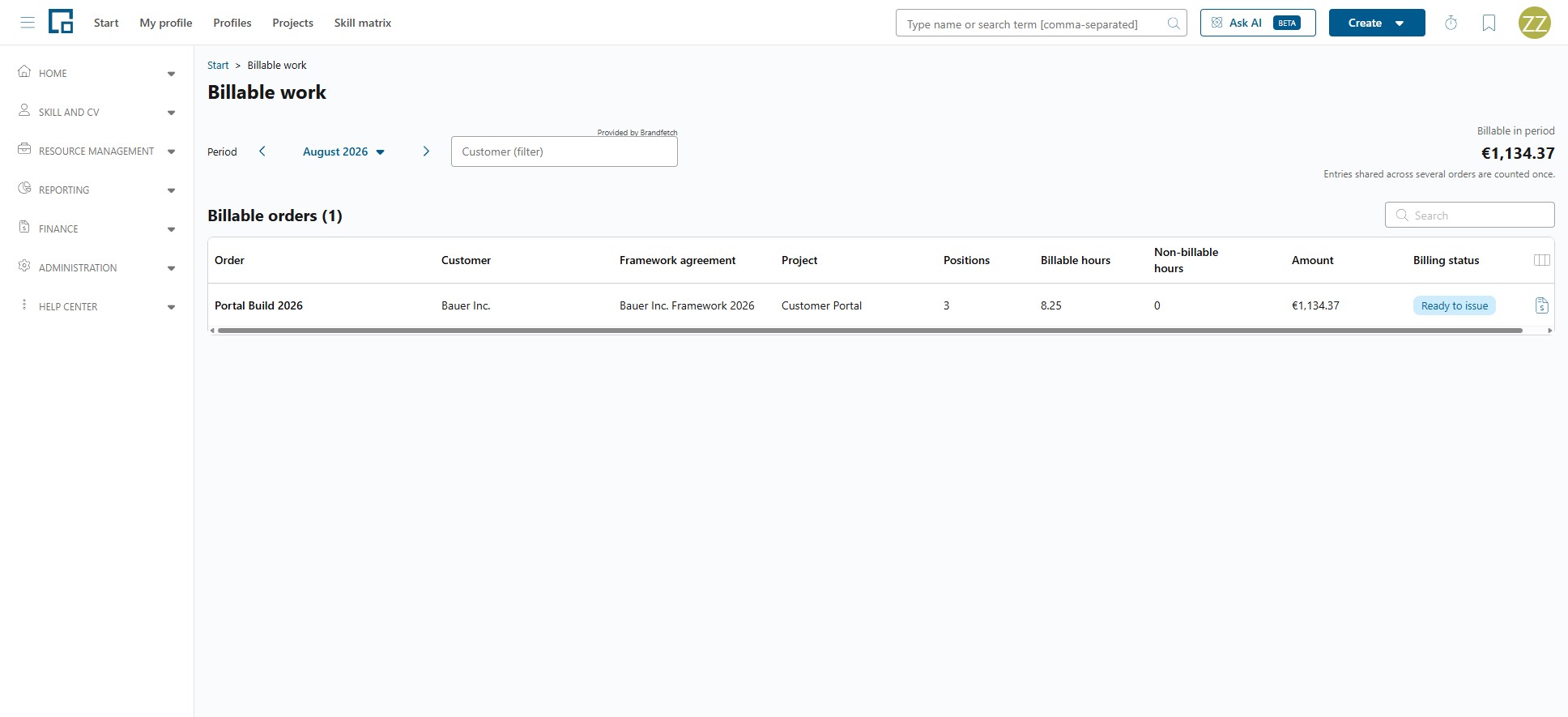
Choosing the period and the customer
Period selects the months the page reports on. Change it with the period picker at the top; the grid and the total follow it.
Customer (filter) narrows the grid to one customer.
Billable in period shows what the period is worth in total. It is shown once per currency (amounts are never converted) and carries the note "Entries shared across several orders are counted once." so a shared entry is not double-counted in the headline figure.
If nothing qualifies, the page shows "No billable orders in this period."
The Billable orders grid
One row per order.
| Column | Description |
|---|---|
| Customer | The company the order is with. |
| Framework agreement | The agreement the order's project belongs to, if any. |
| Project | The project the time was recorded on. |
| Order | The order the time belongs to. |
| Positions | The positions involved. |
| Billable hours | The hours that may be charged in the period. |
| Non-billable hours | The hours recorded in the period that may not, shown so effort stays visible. |
| Amount | What the billable hours come to, in the order's currency. |
| Billing status | How far the order's billable work has got: Ready to issue, Partially issued or Fully issued. |
Which recorded hours reach this page at all is decided by the four rules under What makes recorded time billable: chiefly that the time is billable, is not a general activity, is not a suggestion, and has reached Confirmed where your company requires approval. Time that is already on a servicesheet that has not been withdrawn is excluded, so the same hour cannot be billed twice.
Creating a servicesheet from a row
Each row carries a Create servicesheet action. It opens the servicesheet composer already scoped to that order: the customer, project, framework agreement, currency and the period you selected are carried over, and the recorded entries are prefilled.
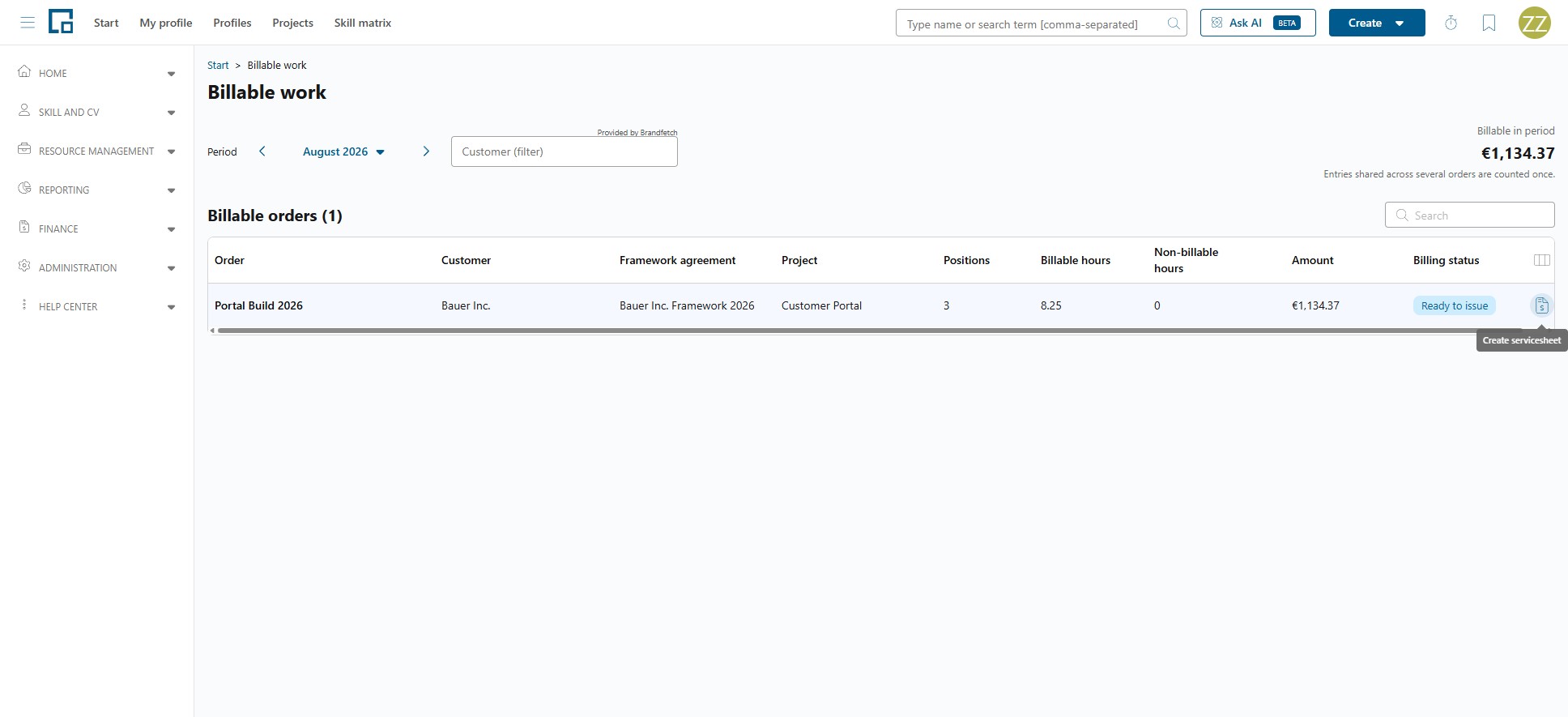
Note: The composer is always opened from here. Going to Servicesheets → New without a scope shows "Open the create-servicesheet page from an order on the billable-work overview."
Composing the servicesheet itself is described in Servicesheets.